 877-218-1776

Updated April 2026
Series 6 Exam Question Test Bank

Over 1500 questions
Instant unlimited 6 month access
Works with all major browsers and mobile devices

Greenlight Guarantee
Pass your exam or money back!*
Want instant access to an on demand tutor?
GREENLIGHT GUARANTEE ™
×We are so confident in the ability of our materials to prepare you to pass your exam that we are now offering our GreenLight Guarantee ™
Pass our GreenLight exam within 5 days of your actual exam, and if you do not pass we will refund your money.
For people who purchase exam prep software with the greenlight guarantee
If you bought only the exam prep software we will refund 100% of your purchase price.
For people who purchase a training package with exam prep software with the greenlight guarantee
If you bought any training package with a textbook we will refund 100% of the purchase price of your package less $25 shipping and handling (we always pay for shipping).
What is the GreenLight Exam?
Our Greenlight exams have been developed based on the feedback received from thousands of students, regulatory outlines, rule amendments and notices. The questions in these exams have been developed by a huge team of the industry's foremost exam prep experts.
What are the limitations on the GreenLight Exam?
The Greenlight Exam may only be taken once. This is the score that will be used to determine your readiness to sit for the actual exam.
When should I take my GreenLight Exam?
You should take your GreenLight exam as one of your last exam prep exercises. You should have read your book completely, made notes and reviewed the most challenging areas several times. You should have spent a significant amount of time taking the practice exams and simulated final exams in our test bank prior to taking the GreenLight Exam. Only take the GreenLight Exam when you can give it your full and complete attention without being interrupted.
What if I used materials from another provider?
While we strongly feel that our Wiley Exam Review Guides are the best in the business, we understand that there are other options available. Our GreenLight Guarantee ™ is still in full force for you.
What if I purchased a full study solution and do not pass?
If you bought any training package with a textbook we will refund 100% of the purchase price of your package less $25 shipping and handling (we always pay for shipping).
How do I claim my money back guarantee if I do not pass my exam?
Email your score sheet from your approved test center to greenlight@securitiesce.com. No refunds will be processed without your certified score sheet.


About the Series 6 Test Bank
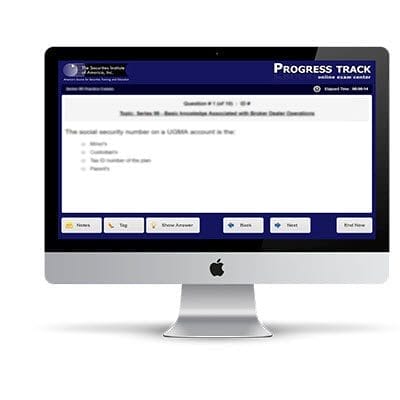
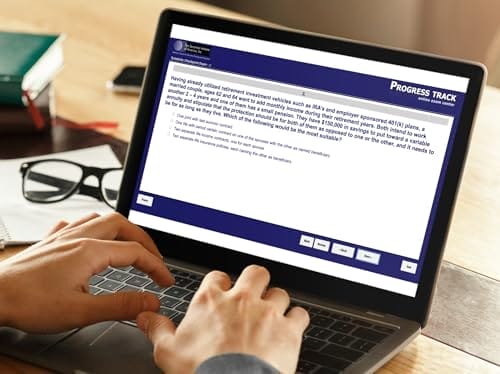
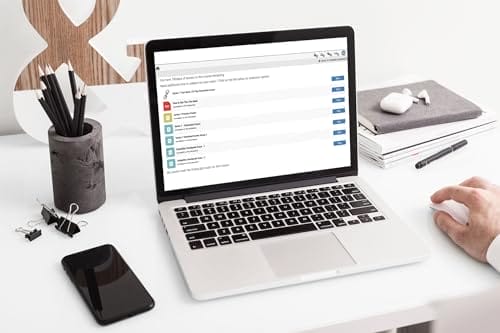
The Series 6 test bank is packed with challenging exam questions and allows you to master the application of knowledge—crucial for passing your exam. Inside the Series 6 test bank, you will find several types of exams, including:
- Practice exams
- Simulated final exams
- Checkpoint exams
- Greenlight exams
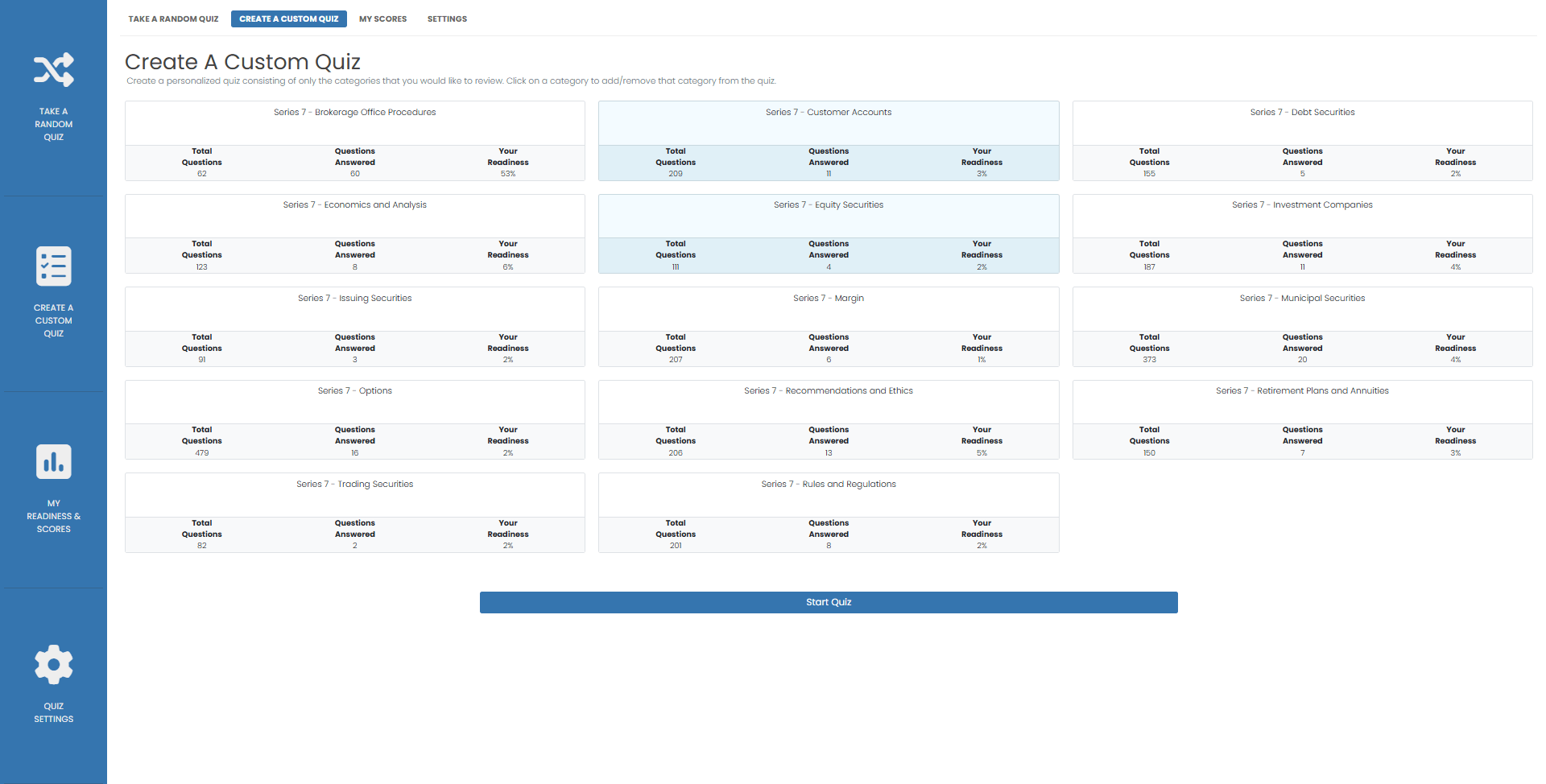
The practice exams allow you to customize your learning experience in more than a dozen ways, helping you create tests that match your learning style. With practice exams, you can:
- Choose the exam topics presented in the quiz
- Select the number of questions you want to answer
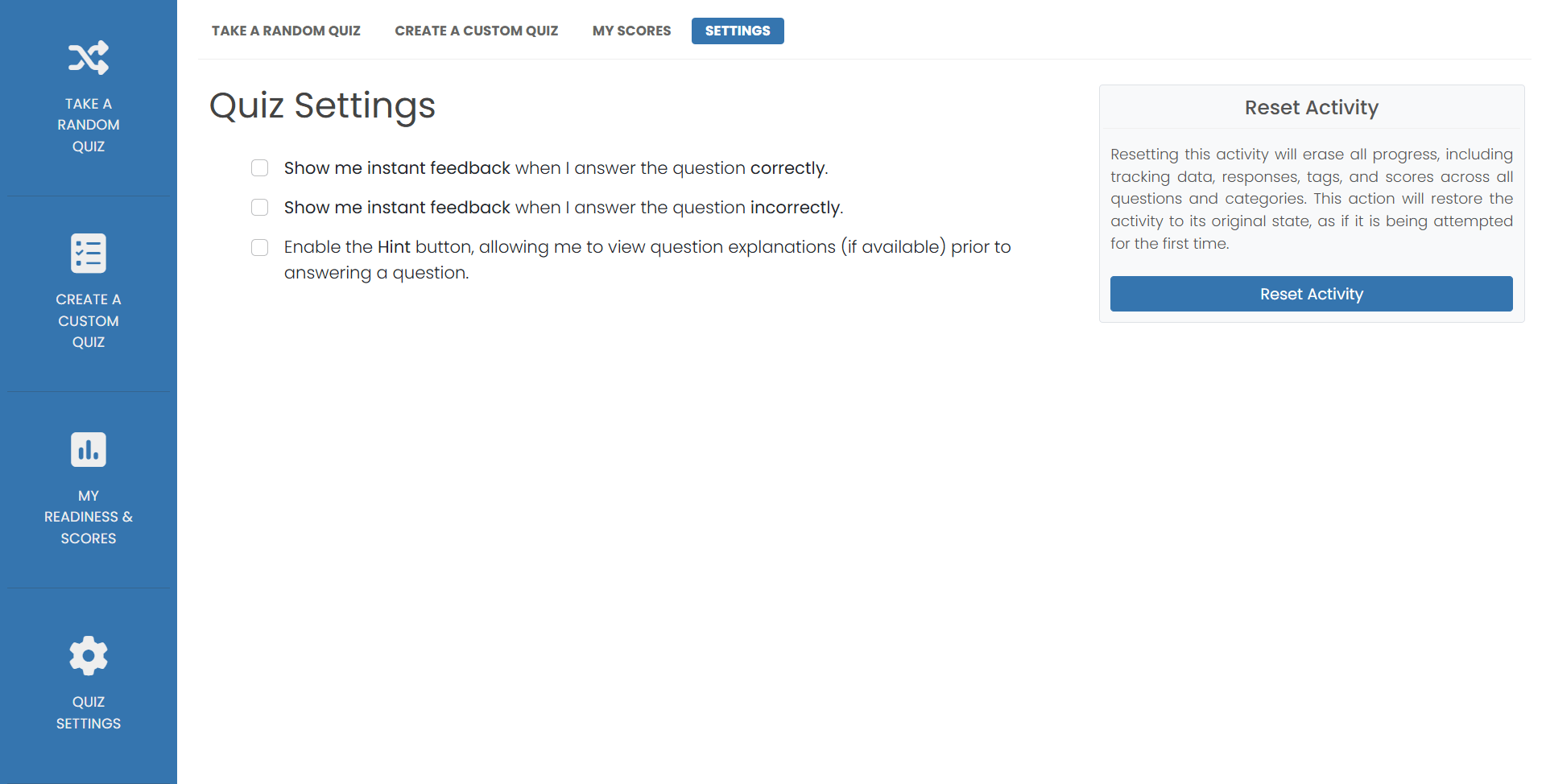
- Show the answer and explanation while viewing the question
- Mark questions for review
- Select how and when answers are displayed
- Make notes on questions
- Much more
The simulated final exams create a randomized final exam each time you click the button. Your final exams use the same selection process as the real series 6 exam. The exams mirror the style, content and difficulty level of the actual exam. You will see multiple choice and true – false questions. Just like the actual exam. Your simulated final exams are timed and you may not see the results until you complete the test. Once completed, you will receive a comprehensive breakdown of your results. The reports allow you to review every question and answer contained in the exam.
Checkpoint exams to focus on major test sections. These tests are a great way to see if you are ready for the Series 6 greenlight exam. The checkpoint exams are created from feedback received from actual Series 6 test takers
There is no limit to how many times the practice exams, simulated finals and checkpoint exams may be taken.
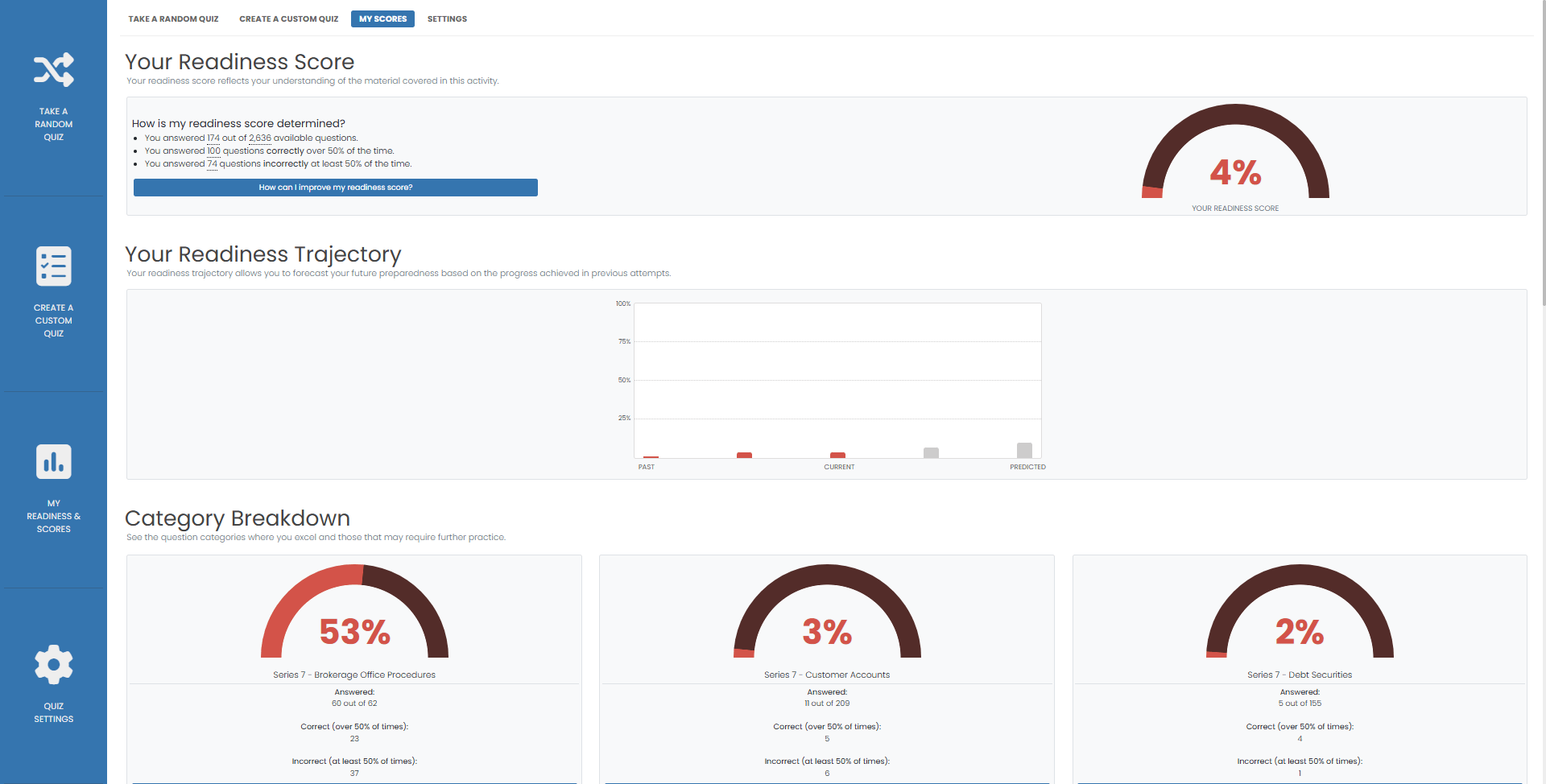
The greenlight exam assesses your mastery of the most challenging topics. You will receive a comprehensive report detailing your results. The report contains every question in the greenlight exam. The greenlight exam may only be taken once. Comprehensive reports for all exams are available for review anytime. The reports are under the scores and history tab. Select the exam from the drop down menu to see your results. Inside the report you will see:


